USE CASE
AI product photography
Most AI image tools can make a beautiful picture. Very few can make a beautiful picture of your product. Onbrand starts from the thing itself: you upload it, and it comes back in every scene you describe, unchanged.

Your product


Your style


How it works
GOOD TO KNOW
One object, unlimited scenes
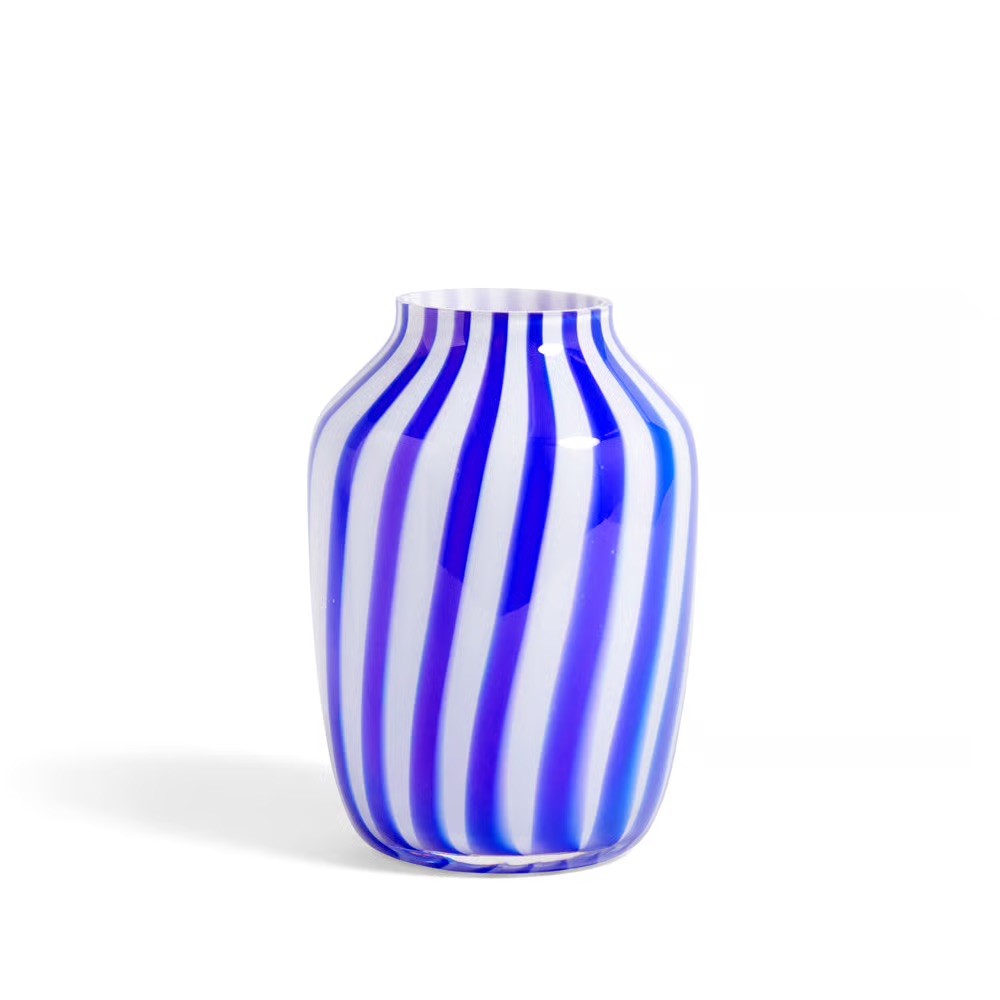
The product has to survive the picture. That is the whole problem with generative imagery for brands. A model can invent a plausible mug, a plausible earring, a plausible sneaker. It cannot invent yours. Onbrand keeps the object fixed and lets everything around it change.
You start by adding your product as an object. From then on you reference it in a prompt with @, the same way you would mention a colleague in a message.
Style is the second half. Drop in the images your brand already looks like, your campaign shots, your reference pins, your last shoot, and Onbrand reads the light, the palette and the mood from them instead of guessing.
What you get back is a set you can choose from, not a single answer. Generate, look, adjust the prompt, generate again.
Staying on brand
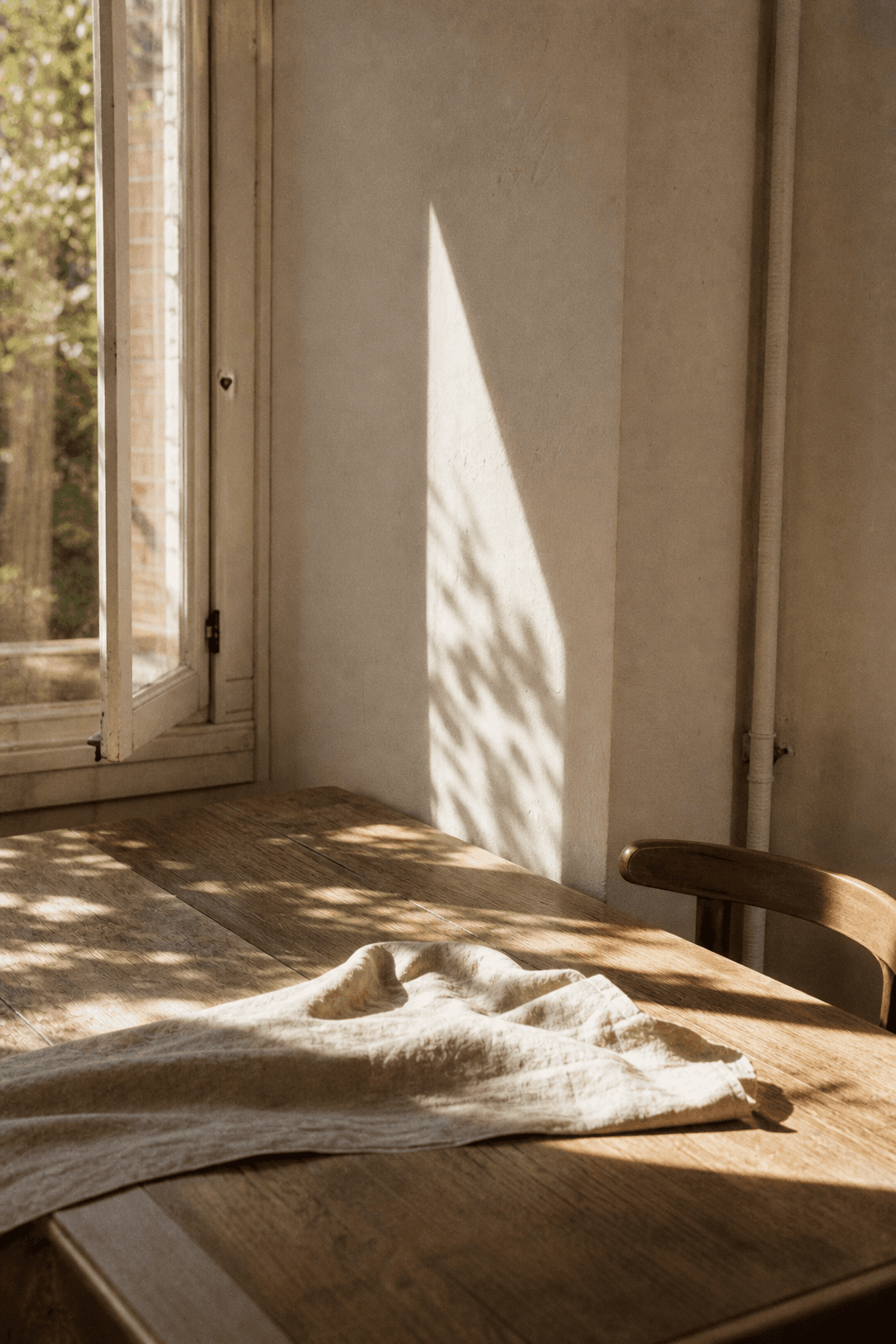
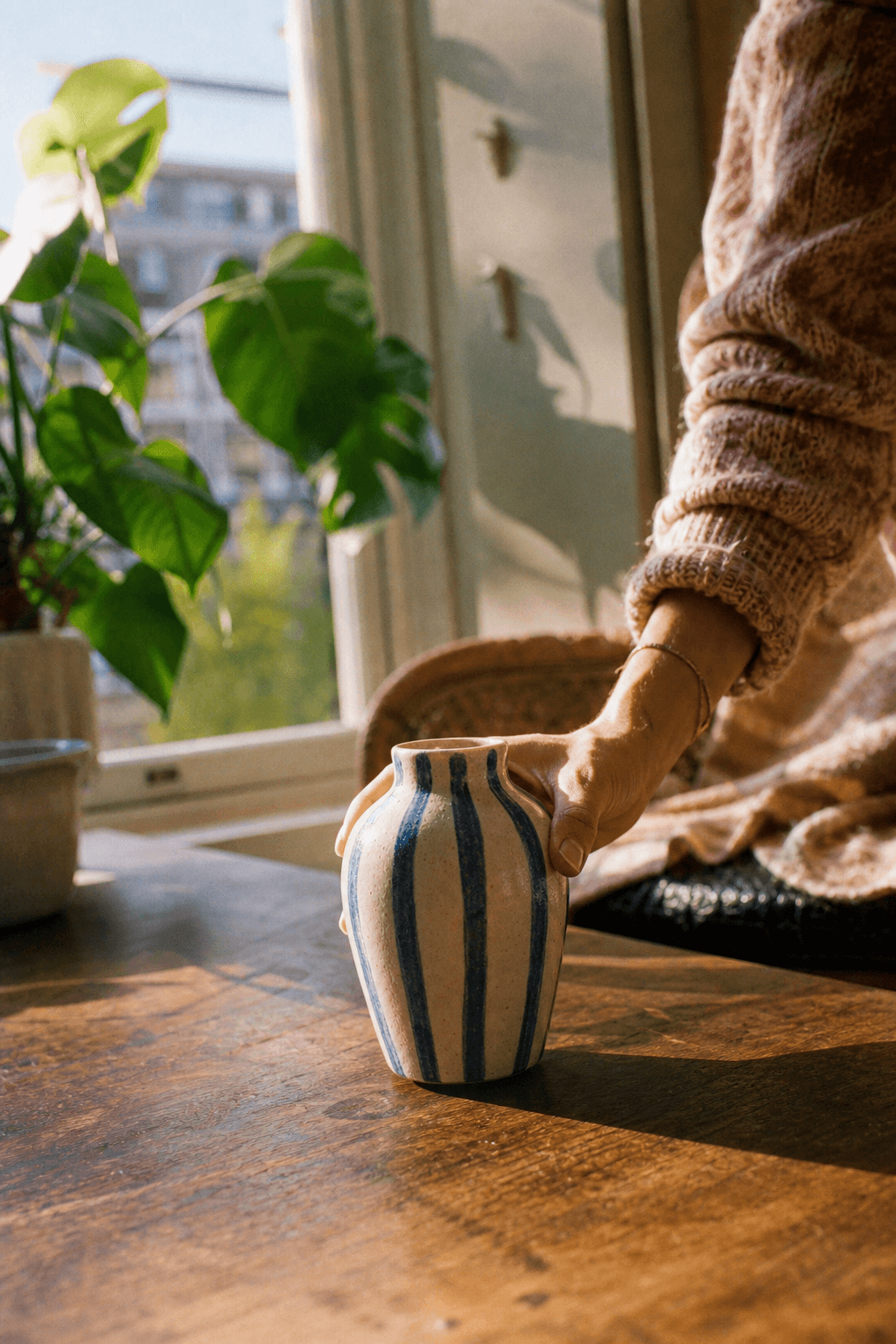
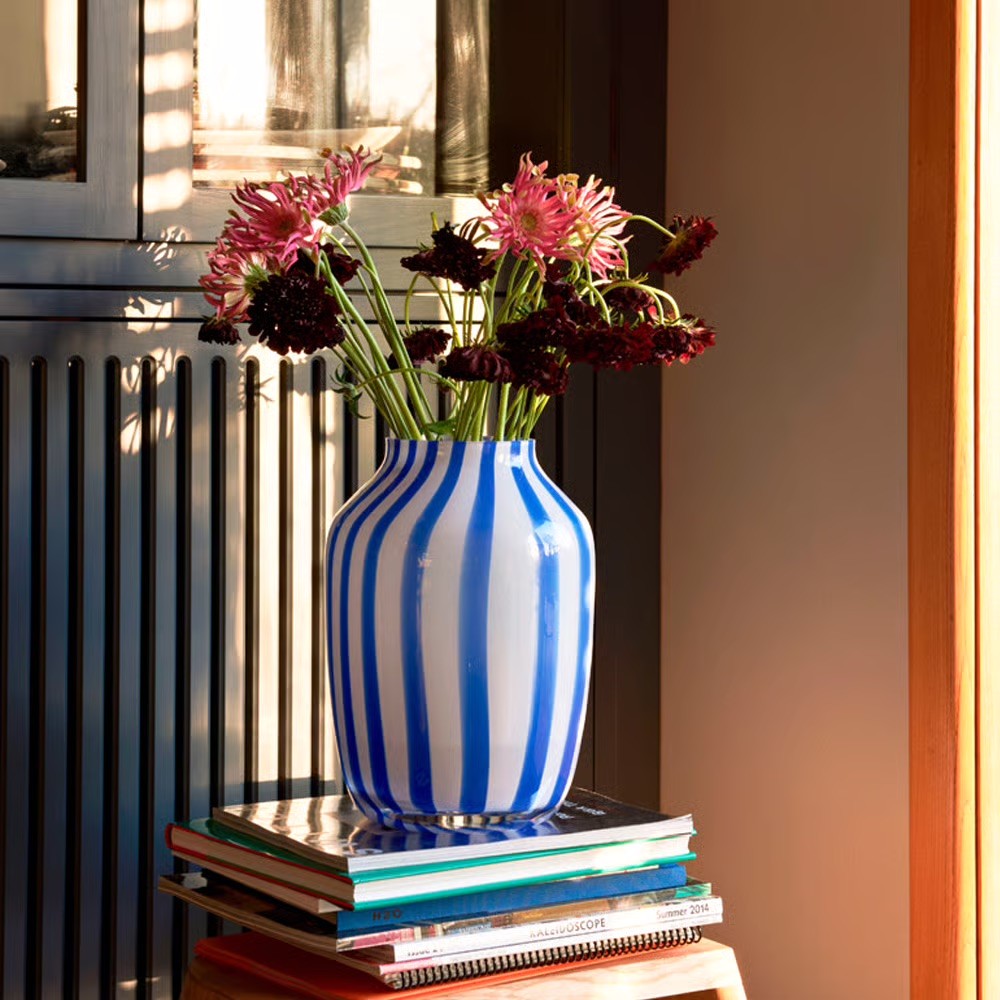
Every image on this page came out of one object and one set of reference images. That is the method: hold still what must not change, and let everything else vary.

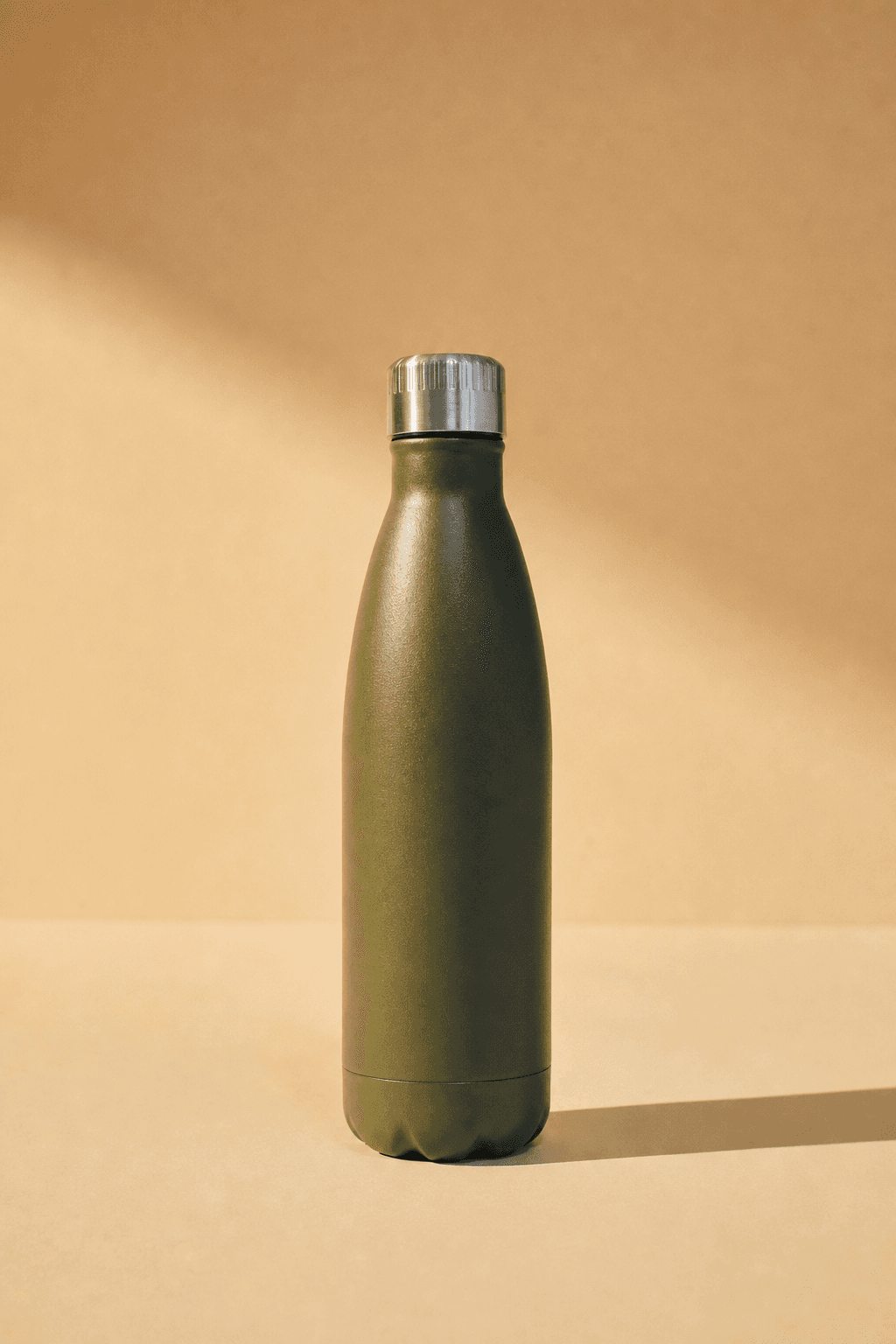
Above: the reference images. Below: what came out of them, with the product unchanged.
Your brand book does not cover photography
Colour, typography and the logo are documented to the millimetre. Photography gets half a page and the word authentic. Adjectives do not survive a handover; a reference image does.
Drift happens between handovers
A different photographer, a brighter crop, a warmer grade. Every image was approved by someone reasonable, and a year later the feed no longer looks like the brand.
The style is the asset
Products turn over every season. The way they are photographed is what carries recognition across years, which makes it the part worth holding still.
Questions
How is this different from ChatGPT or Midjourney?
Those tools generate an image of a product. Onbrand generates an image of your product. You add the object once and reference it with @ in every prompt, so the shape, the material and the details stay the same across every image you make.
Do I need a professional photo of my product to start?
No. A clean shot on a plain background is enough for Onbrand to learn the details. The better the source, the better the result, but you do not need a studio.
Can I use my own brand photography as the style reference?
Yes, that is exactly what the moodboard is for. Add the images your brand already looks like and the generated scenes will match that light and palette.


Get on brand.
Onbrand — on-brand product images. Built by Square One and Sababa.