USE CASE
Clothing product photos
A clothing brand needs more images than it can afford to shoot. Every drop, every colourway, every channel wants its own set, and a shoot takes a model, a location, a photographer and a month of lead time.
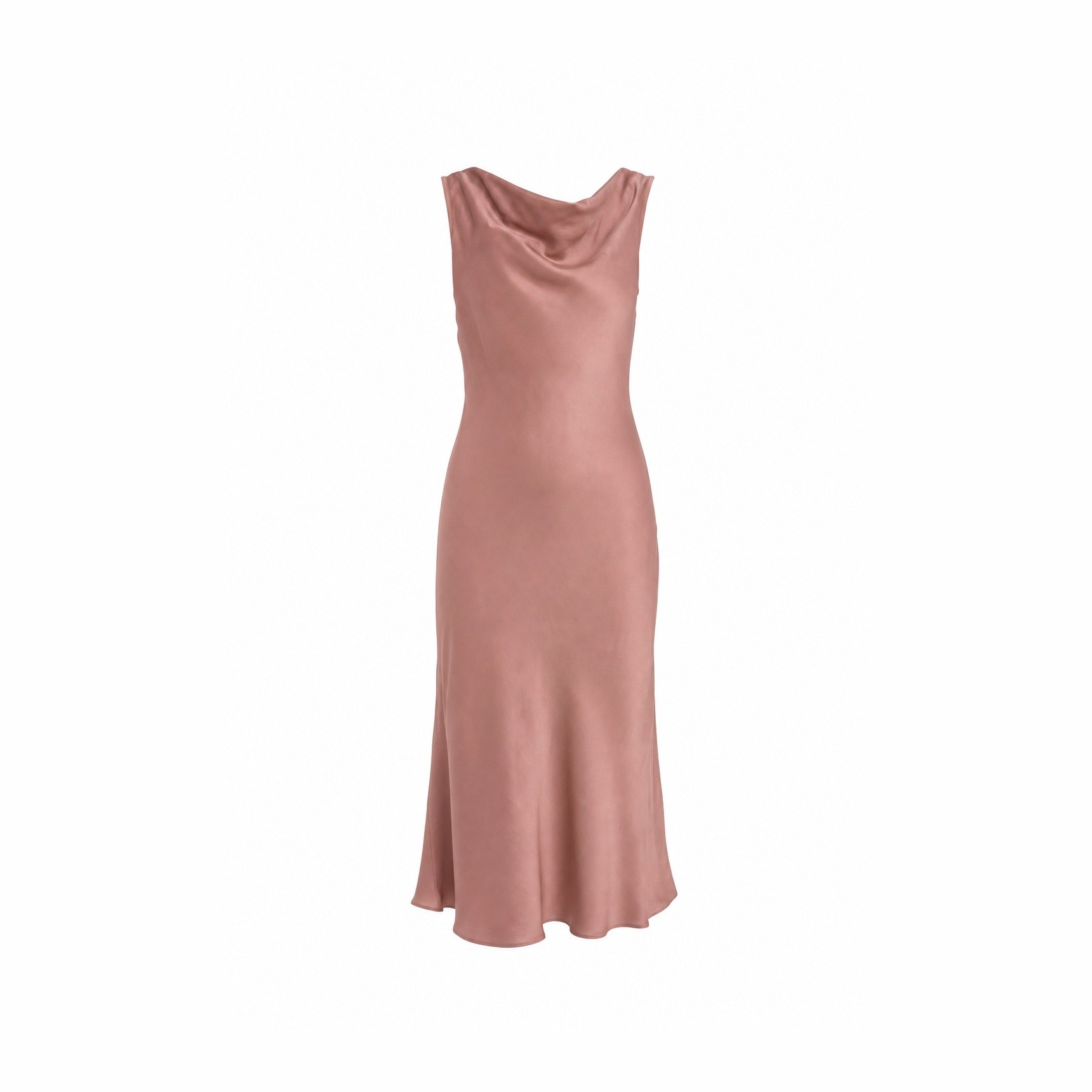
Your product


Your style


How it works
GOOD TO KNOW
Every colourway, one shoot
The garment is the object; everything else is a variable. Add the piece once and generate it in whatever context the campaign needs: on a plain studio backdrop, in motion on a street, in flat morning light, against the colour of the season.
Fabric behaviour is where most tools fail. A moodboard of your own campaign imagery pulls the generated images toward the way your clothes actually hang and move, instead of a generic idea of fabric.
Use it for the images you would otherwise skip: the third angle, the detail shot, the colourway you only have in sample, the seasonal version of an image you already have.
Staying on brand
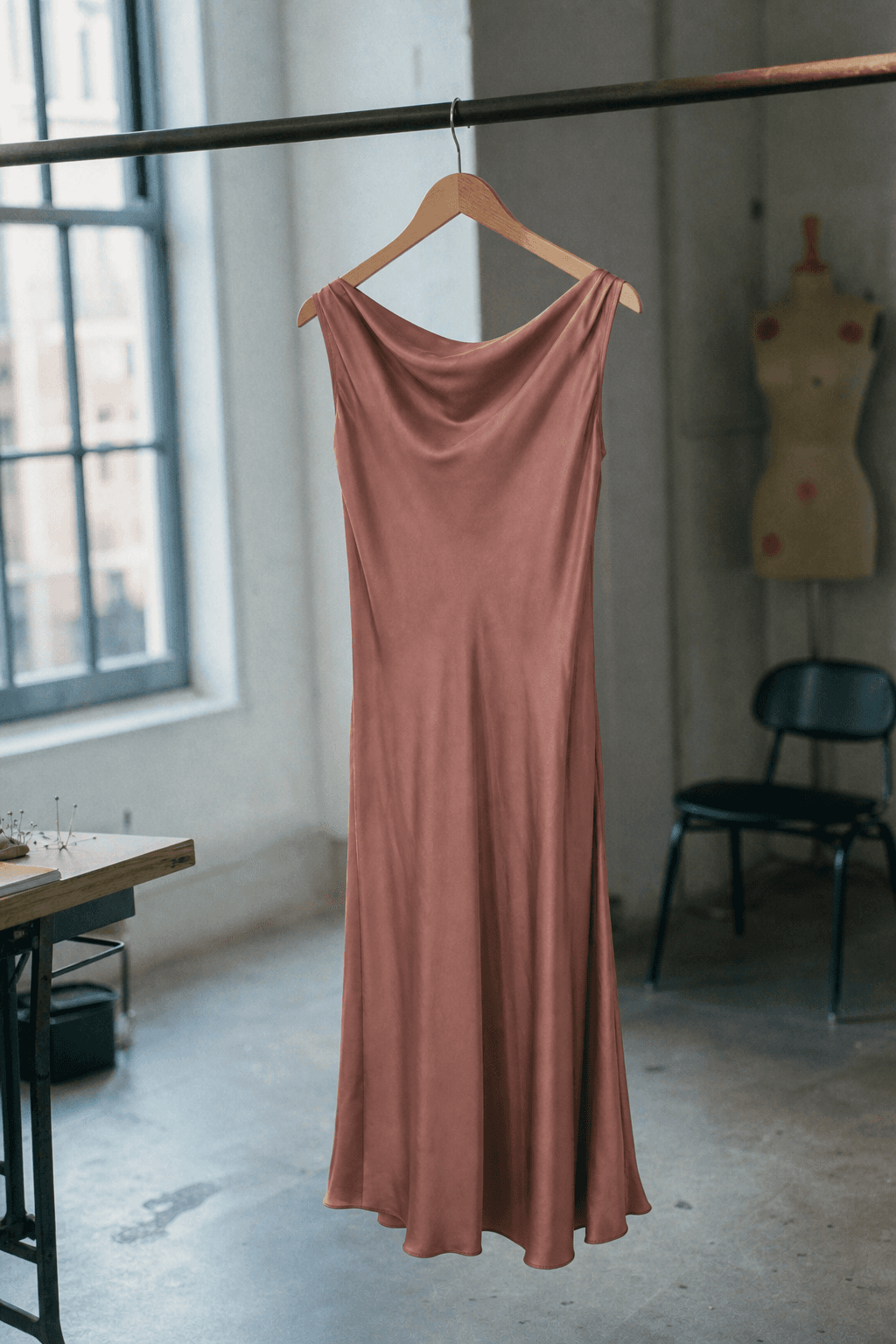
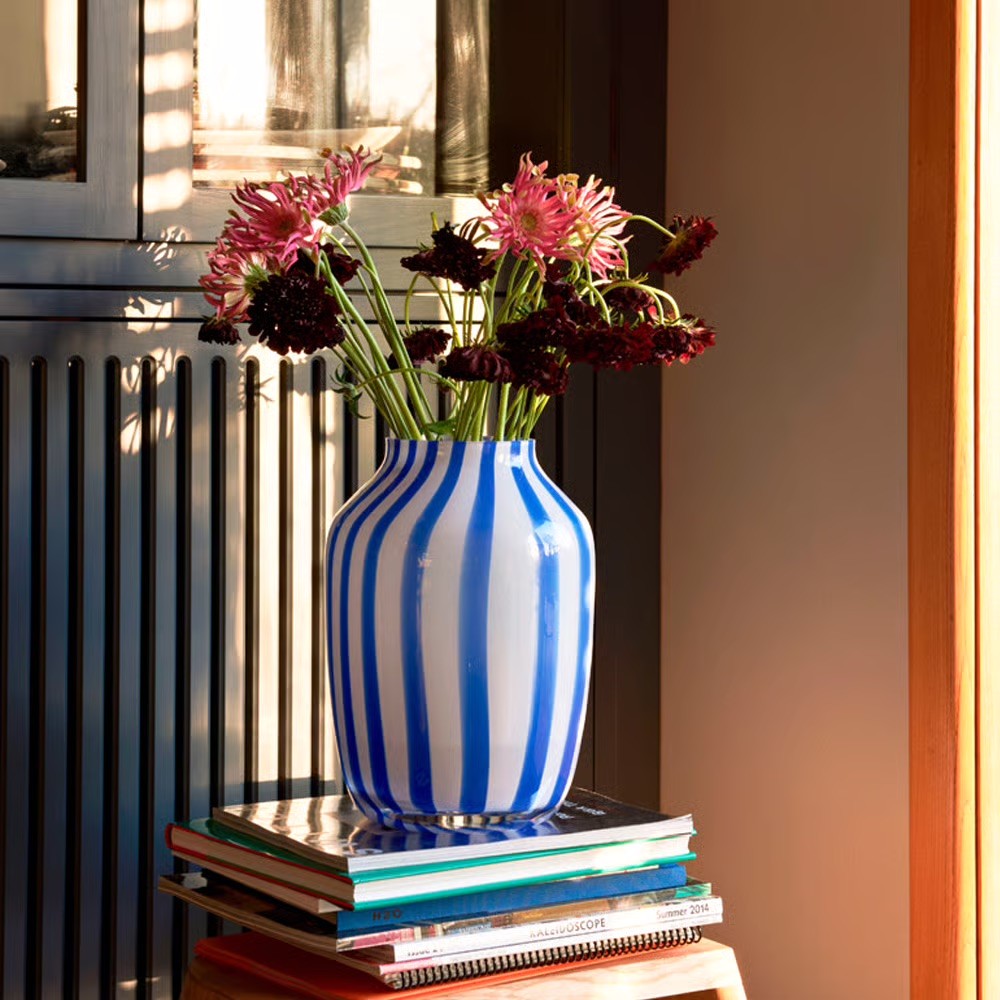
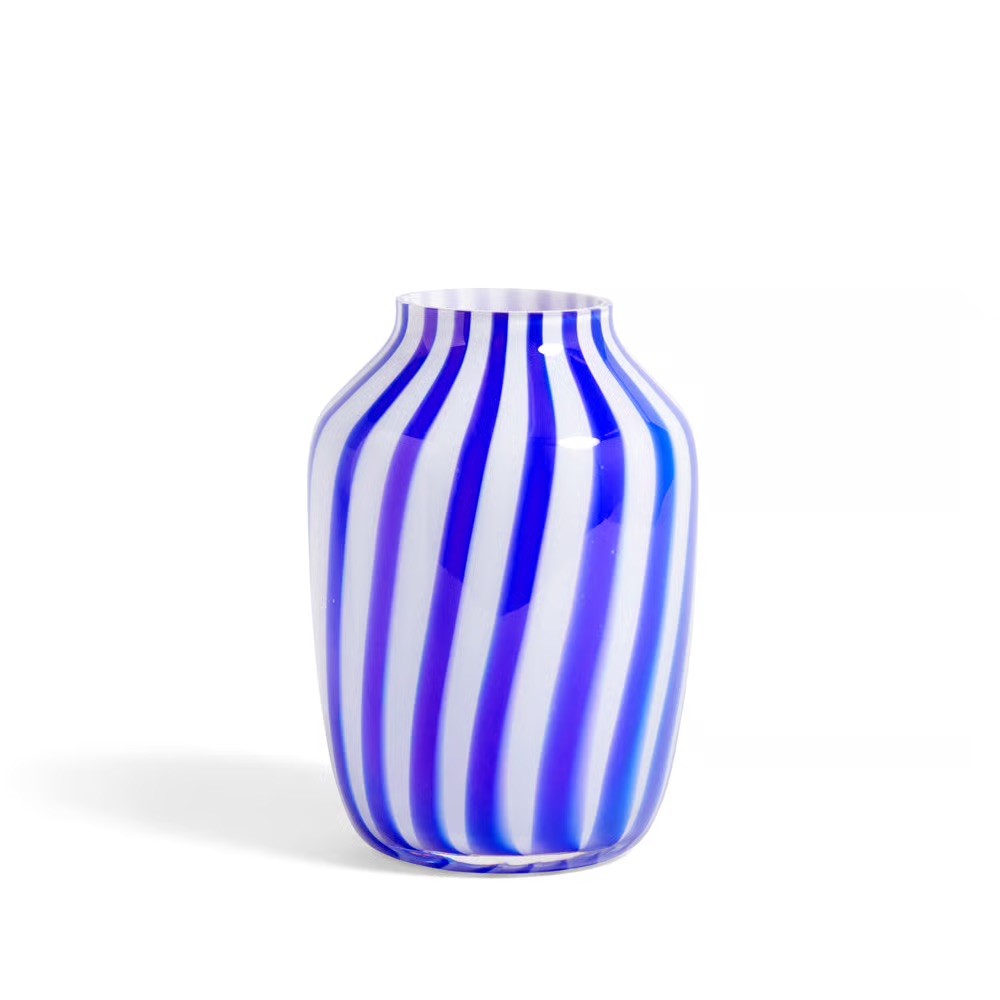
Every image on this page came out of one object and one set of reference images. That is the method: hold still what must not change, and let everything else vary.

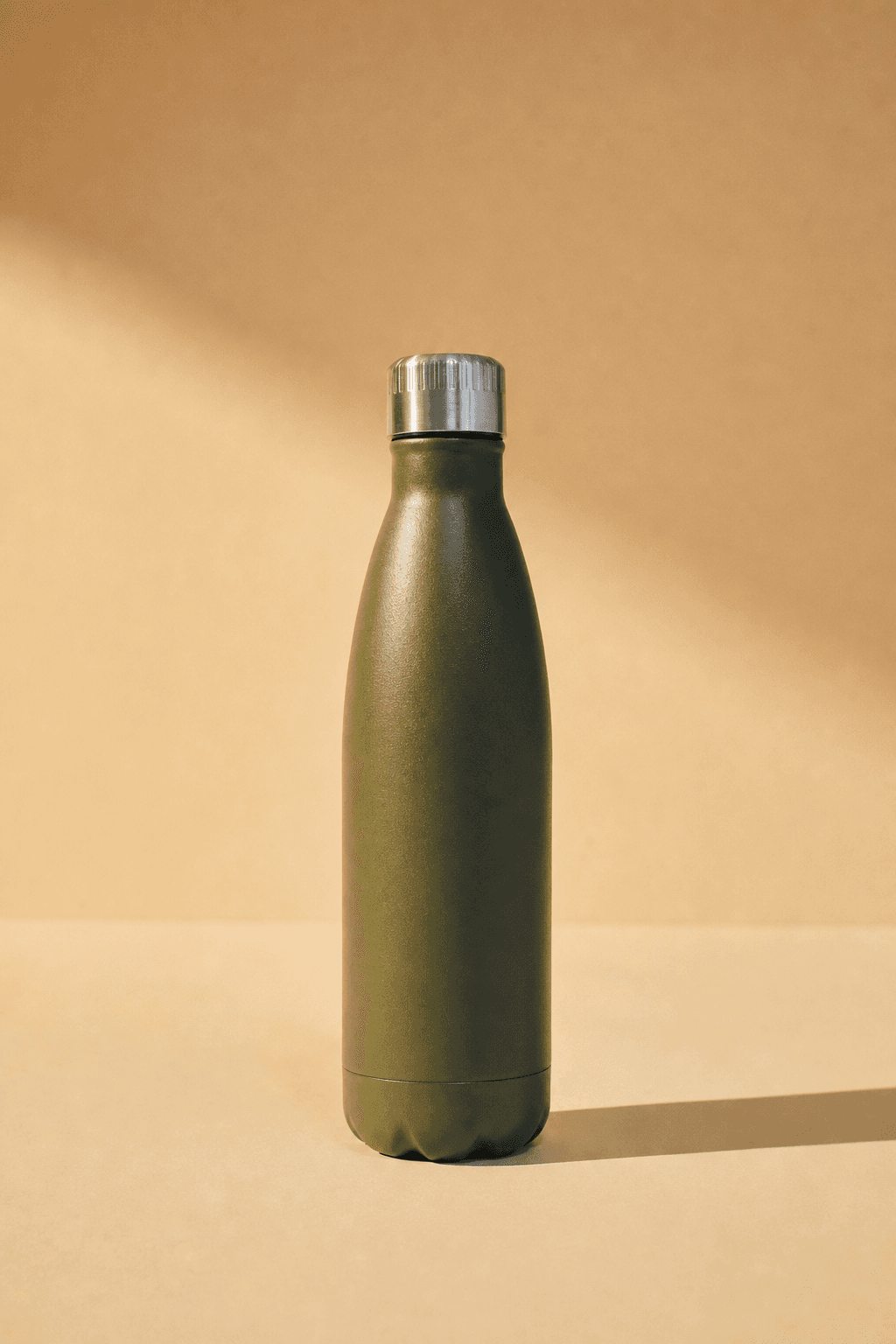
Above: the reference images. Below: what came out of them, with the product unchanged.
Your brand book does not cover photography
Colour, typography and the logo are documented to the millimetre. Photography gets half a page and the word authentic. Adjectives do not survive a handover; a reference image does.
Drift happens between handovers
A different photographer, a brighter crop, a warmer grade. Every image was approved by someone reasonable, and a year later the feed no longer looks like the brand.
The style is the asset
Products turn over every season. The way they are photographed is what carries recognition across years, which makes it the part worth holding still.
Questions
Does the cut of the garment stay accurate?
Onbrand reproduces the piece you upload rather than generating a similar one. Give it a clean, well-lit shot of the garment and check the first set closely before you scale up.
Can I generate the same piece in a different colour?
Describe the colour in the prompt. Be aware this is a generated variation, not a photograph of a sample, so treat it as campaign imagery rather than as an accurate swatch.
Can I keep the same model across a whole set?
Describe the person consistently in your prompts and use a moodboard that fixes the look. For full identity consistency across a campaign, check the results carefully.


Get on brand.
Onbrand — on-brand product images. Built by Square One and Sababa.