USE CASE
Instagram product photos
The feed is hungry and the shoot was months ago. You are on the fourth crop of the same hero image and it shows.
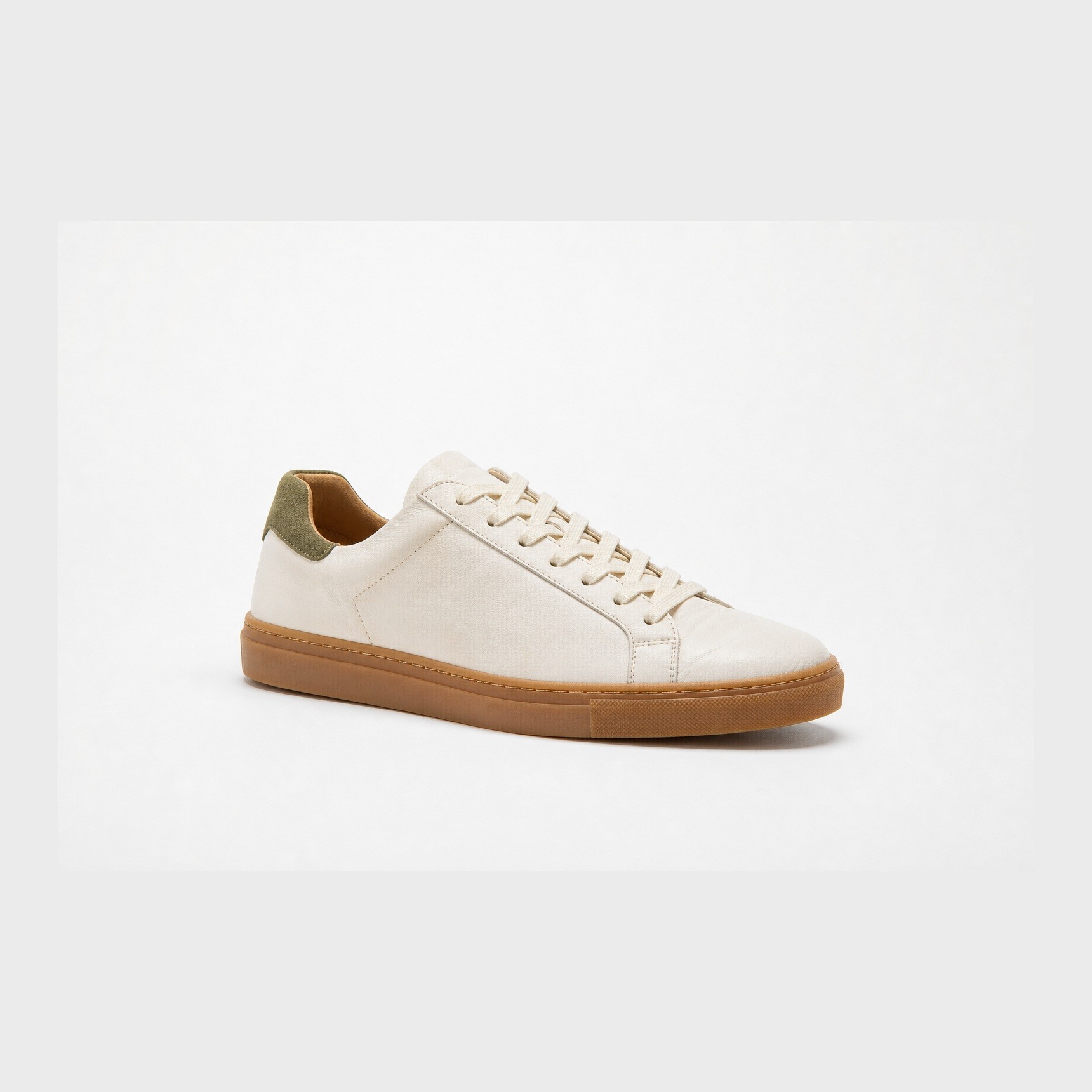
Your product


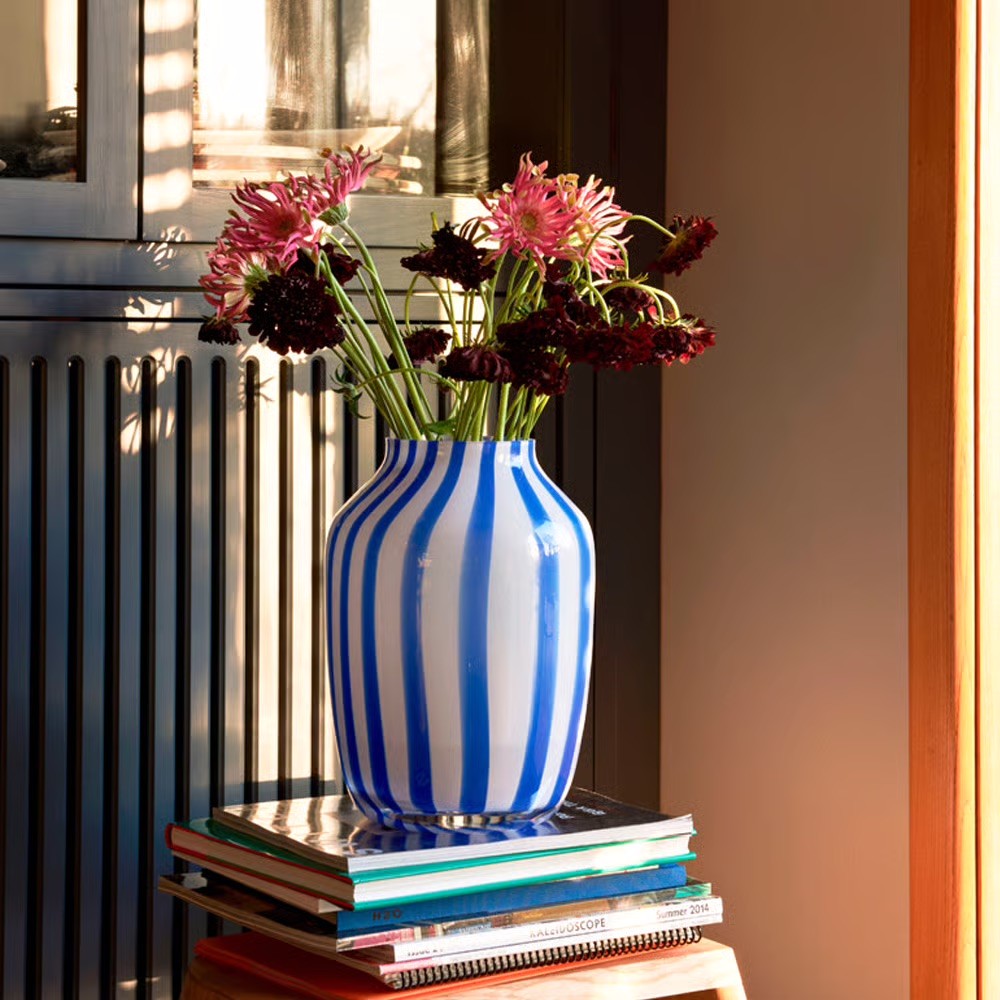
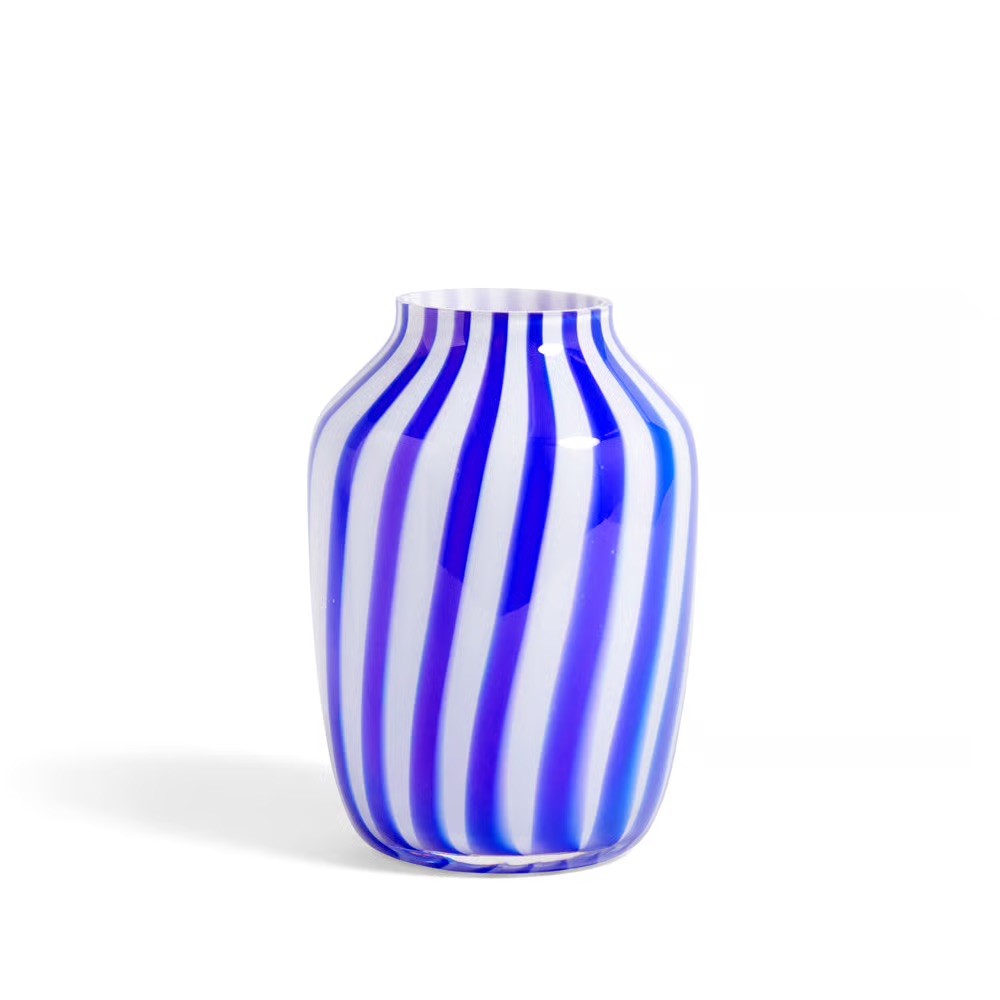
Your style


How it works
GOOD TO KNOW
A new scene, not a new crop
A feed is a rhythm, not a campaign. It needs a new image every few days, and almost none of those images justify a production.
Onbrand is built for exactly that gap. The product is already in there as an object. You describe a new scene, generate a few, pick one, post it.
Because the moodboard holds your brand’s look, the fifteenth image still belongs to the same feed as the first. That consistency is the thing that actually reads as a brand when someone scrolls a grid of nine.
Use it for the posts you would otherwise pad: seasonal moments, a new angle, a context you have never shot the product in.
Staying on brand
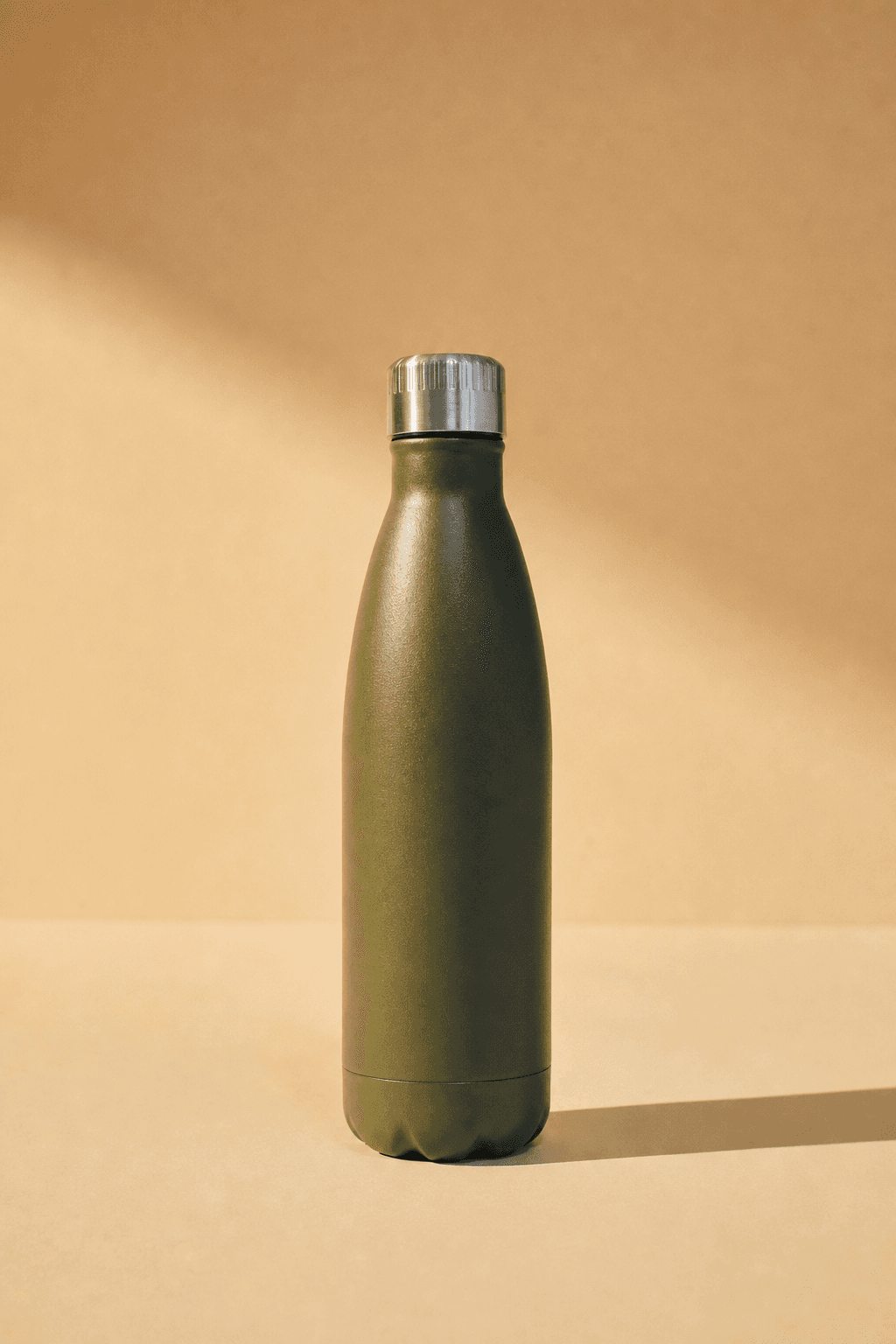
Every image on this page came out of one object and one set of reference images. That is the method: hold still what must not change, and let everything else vary.

Above: the reference images. Below: what came out of them, with the product unchanged.
Your brand book does not cover photography
Colour, typography and the logo are documented to the millimetre. Photography gets half a page and the word authentic. Adjectives do not survive a handover; a reference image does.
Drift happens between handovers
A different photographer, a brighter crop, a warmer grade. Every image was approved by someone reasonable, and a year later the feed no longer looks like the brand.
The style is the asset
Products turn over every season. The way they are photographed is what carries recognition across years, which makes it the part worth holding still.
Questions
Can I make images in the right shape for Instagram?
Aspect ratios and export options in the studio are something to check in the app itself; this page does not promise specific sizes.
Will people be able to tell the images are generated?
The product is your real product and the style comes from your own photography, which is what makes these read as brand images. Look closely at hands, text and reflections before posting, as those are where generated images give themselves away.
How do I keep the whole grid looking like one brand?
Use a single saved moodboard for everything in a season and change the scene, not the style.


Get on brand.
Onbrand — on-brand product images. Built by Square One and Sababa.