USE CASE
Etsy product photos
On Etsy the photograph is the shop. You are next to ten thousand other makers in the same grid, and the only thing that separates you is whether your first image looks considered.

Your product


Your style




How it works

GOOD TO KNOW
Kitchen table to studio
Most maker photography is honest and flat. Daylight, a table, a phone. The product is right and the picture is dull, and the listing that sits next to yours had a stylist.
Onbrand takes your honest photograph and keeps it honest. The object stays the object. What changes is the surface it sits on, the light that falls on it, the room around it.
Build one moodboard that is your shop’s look and reuse it. Every new listing then comes out of the same world, which is the thing that makes a small shop read as a brand instead of as a hobby.
Start with the images you need most: the main listing image, one detail, one in-use, one seasonal.
Staying on brand
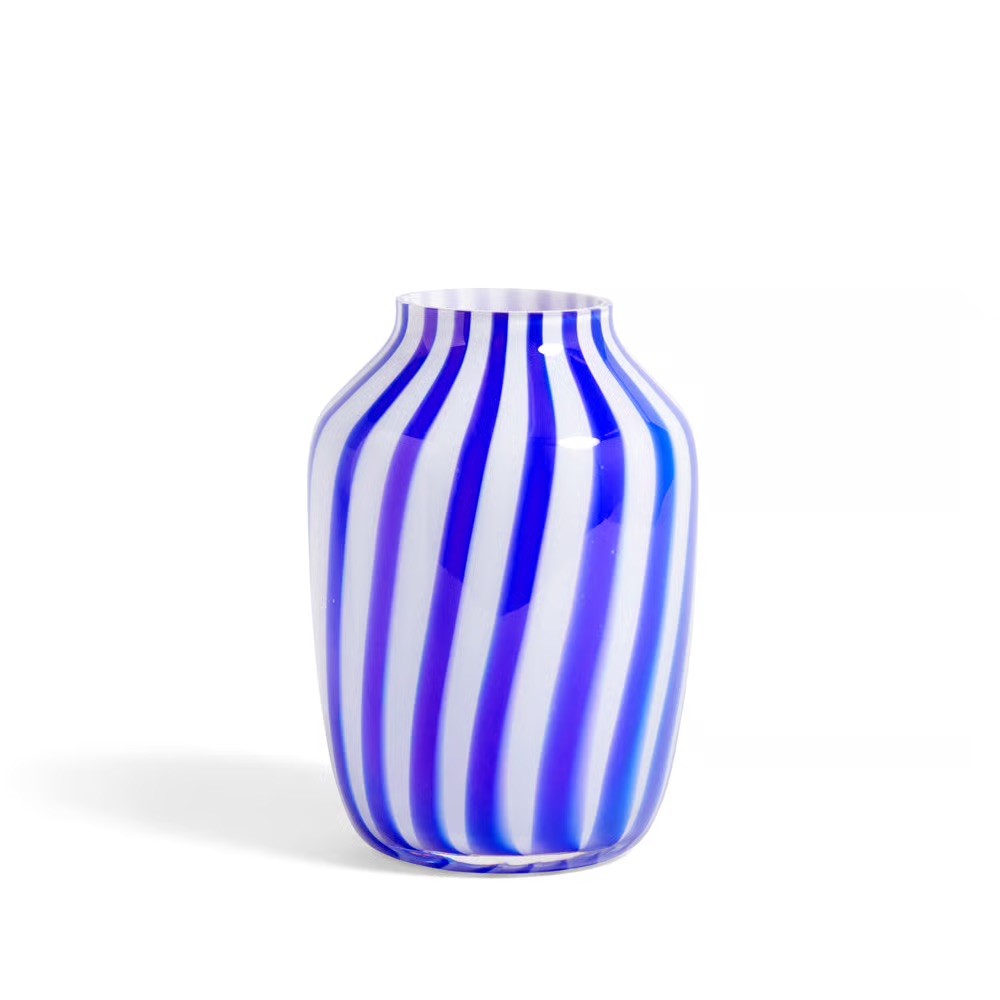
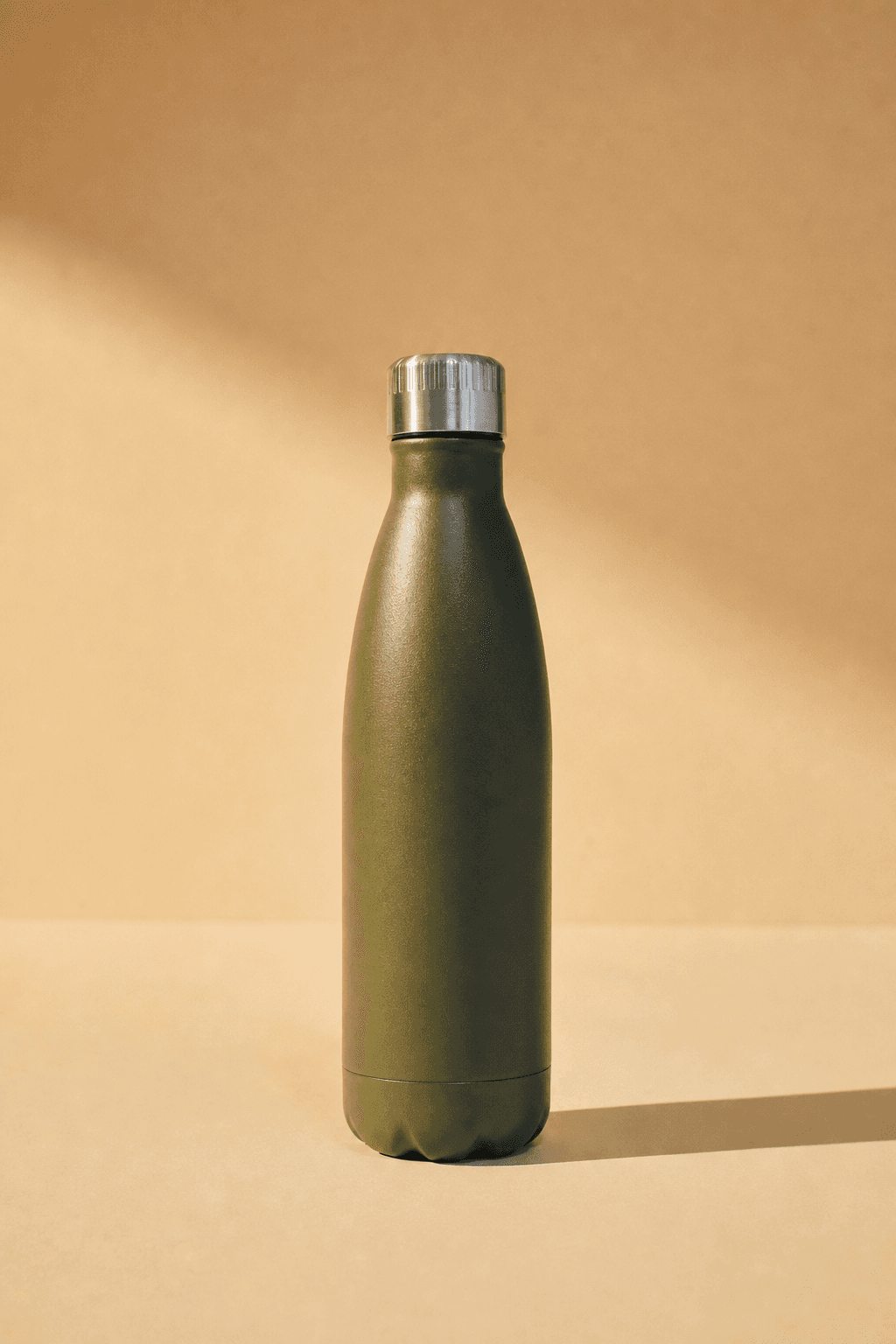
Every image on this page came out of one object and one set of reference images. That is the method: hold still what must not change, and let everything else vary.

Above: the reference images. Below: what came out of them, with the product unchanged.
Your brand book does not cover photography
Colour, typography and the logo are documented to the millimetre. Photography gets half a page and the word authentic. Adjectives do not survive a handover; a reference image does.
Drift happens between handovers
A different photographer, a brighter crop, a warmer grade. Every image was approved by someone reasonable, and a year later the feed no longer looks like the brand.
The style is the asset
Products turn over every season. The way they are photographed is what carries recognition across years, which makes it the part worth holding still.
Questions
Is the photo still mine if I generate it?
You are generating from your own product photograph. Check Etsy's current policy on AI-assisted listing images for your category before you publish, since marketplace rules change.
My photos are taken on a phone. Is that good enough?
Usually yes, if the product is sharp, well lit and on a plain background. Shadows and clutter in the source make the object harder to isolate.
Can I keep one look across my whole shop?
That is what the moodboard is for. Save one set of reference images as your shop's style and use it for every listing.


Get on brand.
Onbrand — on-brand product images. Built by Square One and Sababa.