USE CASE
Packshot to lifestyle
Every webshop has the same archive: a thousand products on a white background and almost no images of any of them in the world.

Your product


Your style


How it works

GOOD TO KNOW
The archive you already have
The packshot is the hardest half and you already did it. It is sharp, it is lit, it is accurate, and it is the perfect starting point for everything else.
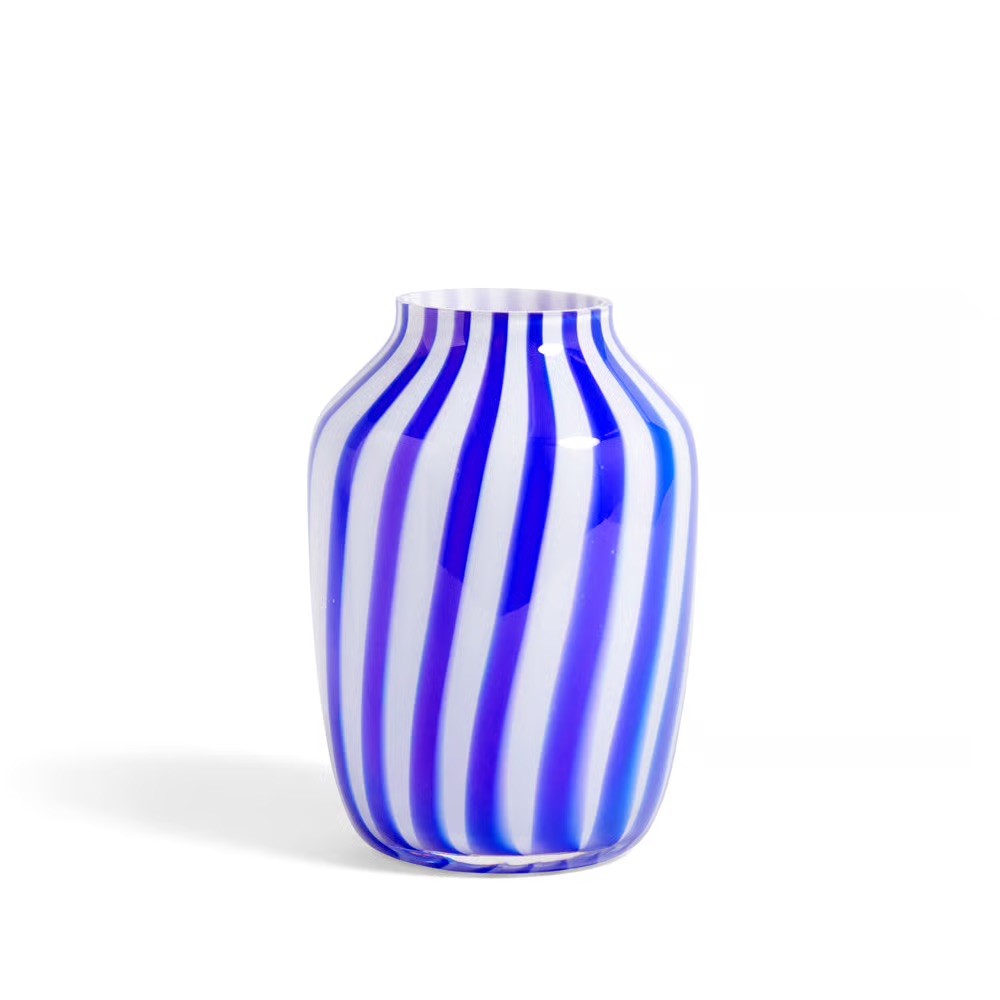
Add the packshot as an object and the product moves into a scene without losing a millimetre. The same shoe on a street, the same mug on a table, the same vase in a room.
For a catalogue this changes the maths. Lifestyle imagery used to be reserved for the top twenty products because a shoot costs what it costs. Now the long tail can have it too.
Start with the products that are selling and the products that are not. The first deserve better images; the second may be failing because of them.
Staying on brand
Every image on this page came out of one object and one set of reference images. That is the method: hold still what must not change, and let everything else vary.

Above: the reference images. Below: what came out of them, with the product unchanged.
Your brand book does not cover photography
Colour, typography and the logo are documented to the millimetre. Photography gets half a page and the word authentic. Adjectives do not survive a handover; a reference image does.
Drift happens between handovers
A different photographer, a brighter crop, a warmer grade. Every image was approved by someone reasonable, and a year later the feed no longer looks like the brand.
The style is the asset
Products turn over every season. The way they are photographed is what carries recognition across years, which makes it the part worth holding still.
Questions
Do I need to remove the background from my packshot first?
A clean product on a plain background is what works best. Whether the studio handles isolation for you is a question for the app itself.
Will the product stay accurate enough for a product page?
Onbrand reproduces the object you upload. For the main product image most shops still use the original packshot; the generated scenes work as the supporting images.
Can I do this for a whole catalogue?
Each product is added as its own object. How many you can keep and how fast you can work through them is a question for the studio.


Get on brand.
Onbrand — on-brand product images. Built by Square One and Sababa.