USE CASE
Shopify product page images
A Shopify product page converts on the images long before anyone reads the description. Most stores have one good packshot and then nothing.

Your product



Your style


How it works

GOOD TO KNOW
The rest of the gallery
A gallery is a sequence, not a pile. The packshot answers what it is. The next images have to answer how big, what it is made of, where it lives and what it looks like in use. Most stores stop after the first question.
Add the product once and generate the rest of the sequence: in a room, in a hand, against a surface that shows the material, from the angle the packshot cannot give you.
Unlike a marketplace, Shopify does not impose a template on you. Your product page can look like your brand, which means the moodboard is doing commercial work and not just aesthetic work.
Start with the products that already sell. They earn the most from a better gallery, and they tell you fastest whether it worked.
Staying on brand
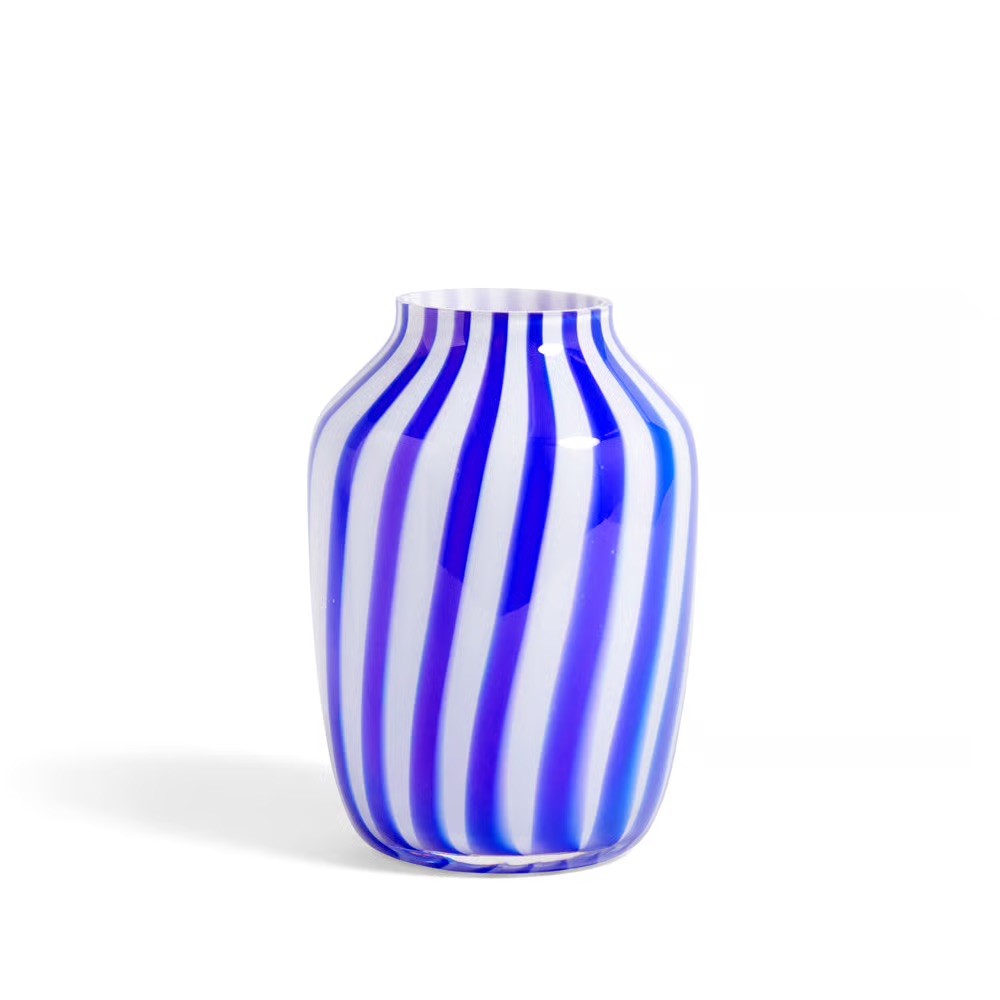
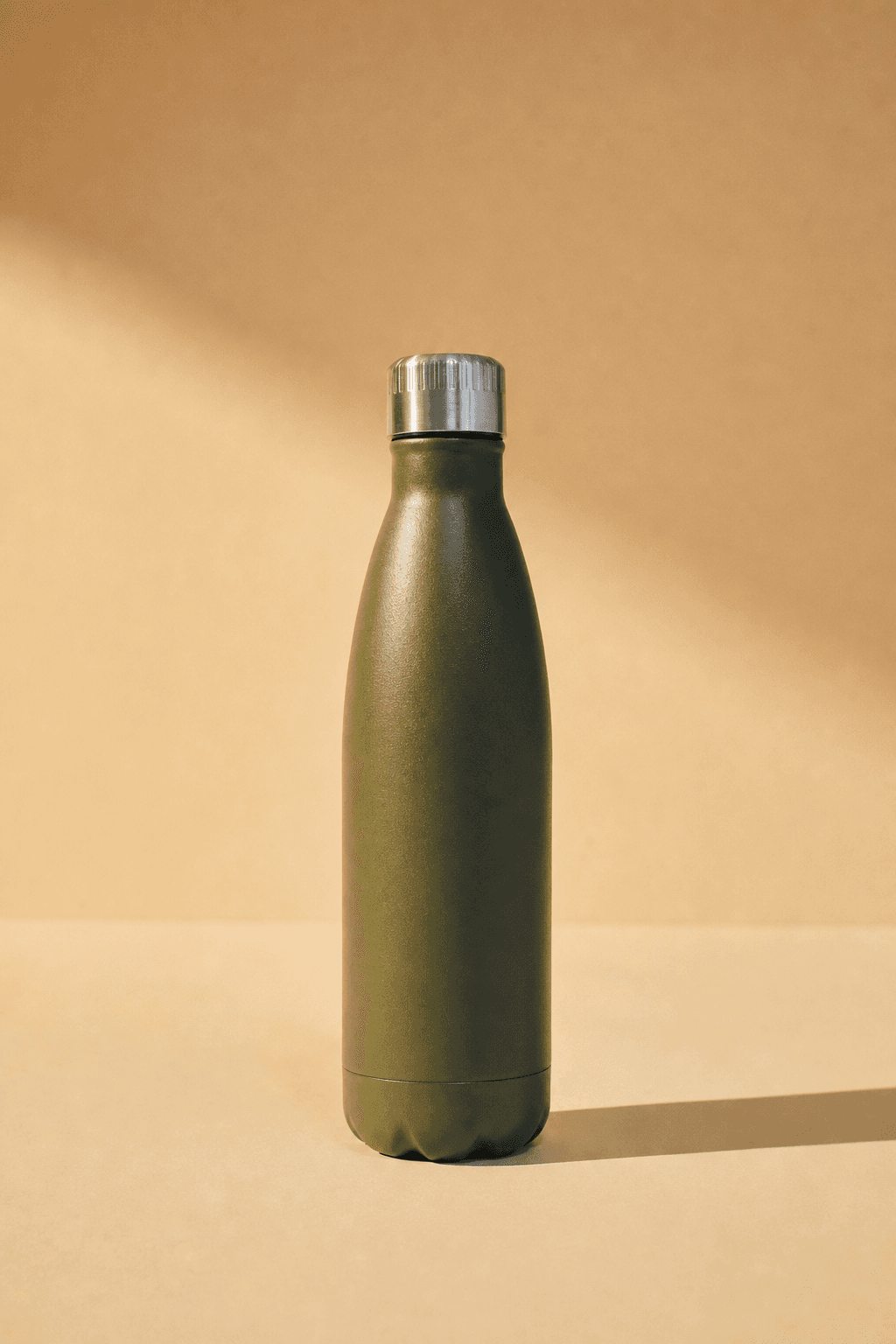
Every image on this page came out of one object and one set of reference images. That is the method: hold still what must not change, and let everything else vary.

Above: the reference images. Below: what came out of them, with the product unchanged.
Your brand book does not cover photography
Colour, typography and the logo are documented to the millimetre. Photography gets half a page and the word authentic. Adjectives do not survive a handover; a reference image does.
Drift happens between handovers
A different photographer, a brighter crop, a warmer grade. Every image was approved by someone reasonable, and a year later the feed no longer looks like the brand.
The style is the asset
Products turn over every season. The way they are photographed is what carries recognition across years, which makes it the part worth holding still.
Questions
Does Shopify have rules about AI-generated images?
Shopify does not impose a platform-wide disclosure rule for product images the way some marketplaces do. You remain responsible for your own store, and consumer-protection rules still apply, which for European merchants includes transparency obligations. Check what applies in your market.
Should the main product image be generated?
Most stores keep the real packshot as the first image and use generated scenes for the rest of the gallery. That is the safest split and it is also the most useful one.
Can I keep one look across the whole store?
Save one moodboard as the store's style and reuse it for every product. That consistency is what makes a small catalogue read as a brand.


Get on brand.
Onbrand — on-brand product images. Built by Square One and Sababa.